Your observatory,in your pocket.
Cupola connects to any INDI server and builds the right controls for every device it finds: mount, camera, focuser, filter wheel, dome and weather station. Point at a star, start an exposure and close the dome, all from your phone.
- MountTelescope
- CameraCCD
- FocuserFocuser
- Filter wheelFilter
- DomeDome
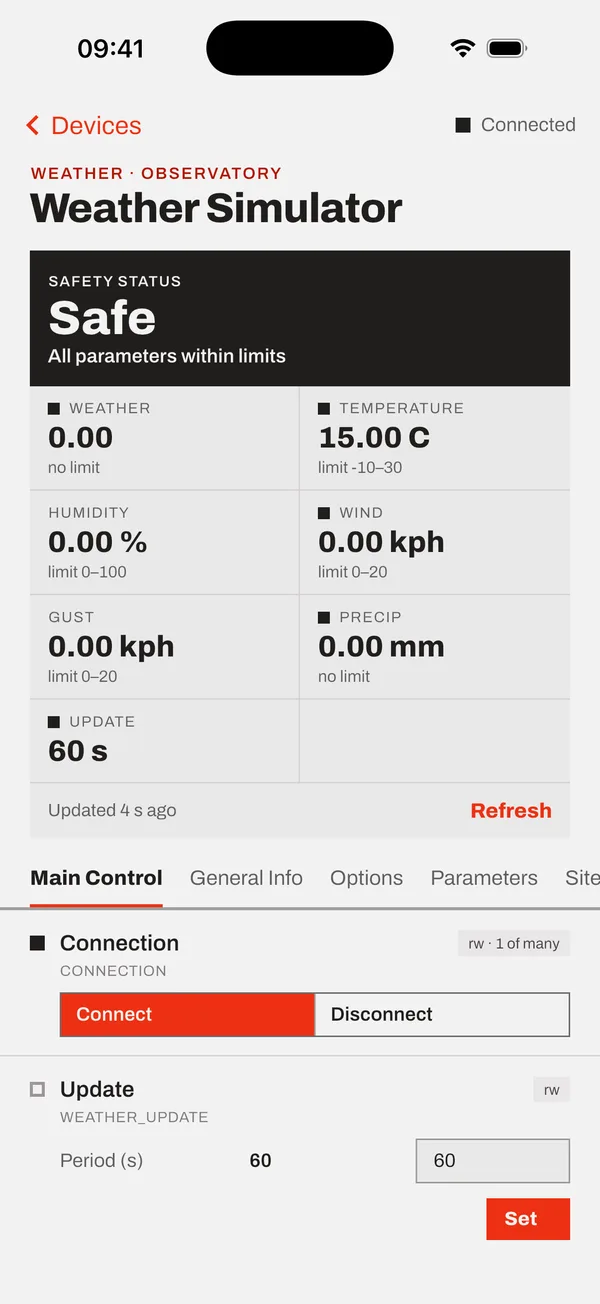
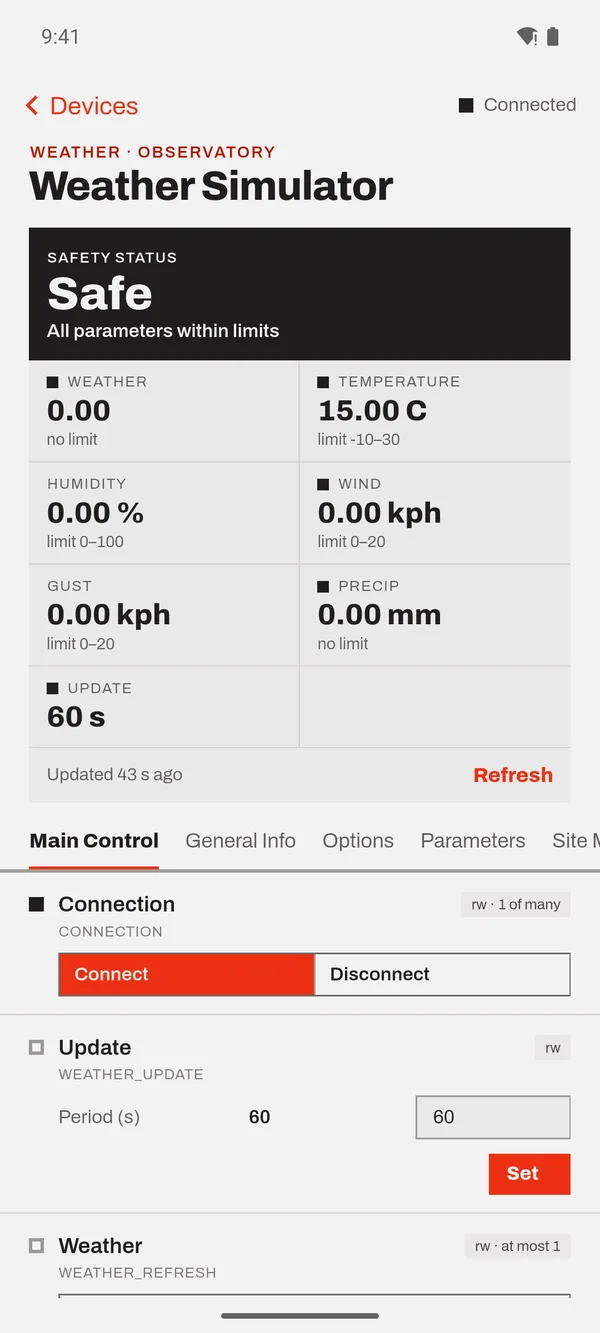
- WeatherWeather
- Anything elseGeneric panel
Connect once. Every device gets the right controls.
- 01
Find your server
Cupola finds INDI servers on your Wi-Fi by itself, or you can type an address. Stay connected to as many servers as you need at the same time.
- 02
See every device
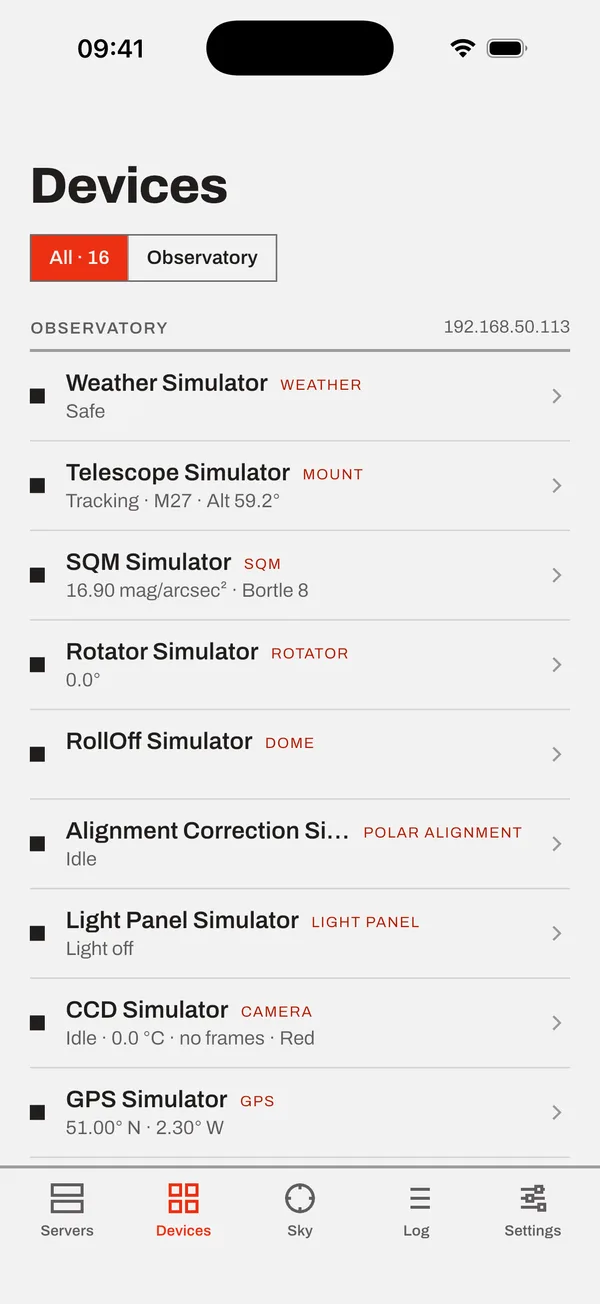
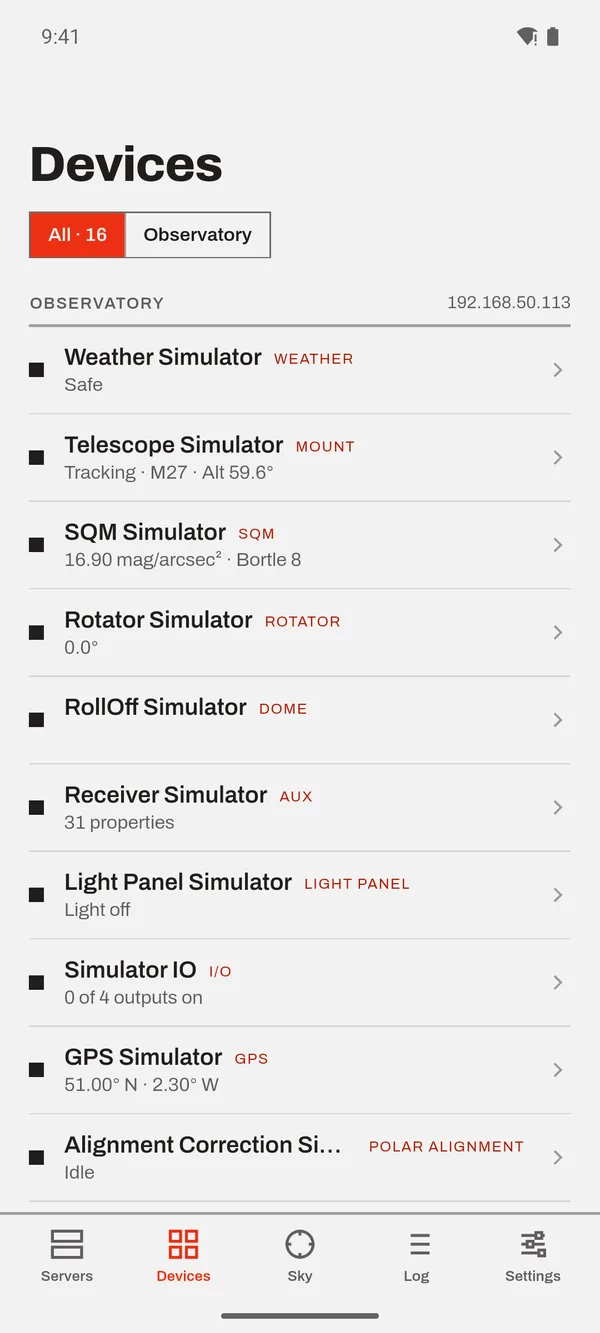
One list for all servers. Each device shows its live state: tracking, exposing, moving, or unsafe.
- 03
Control it
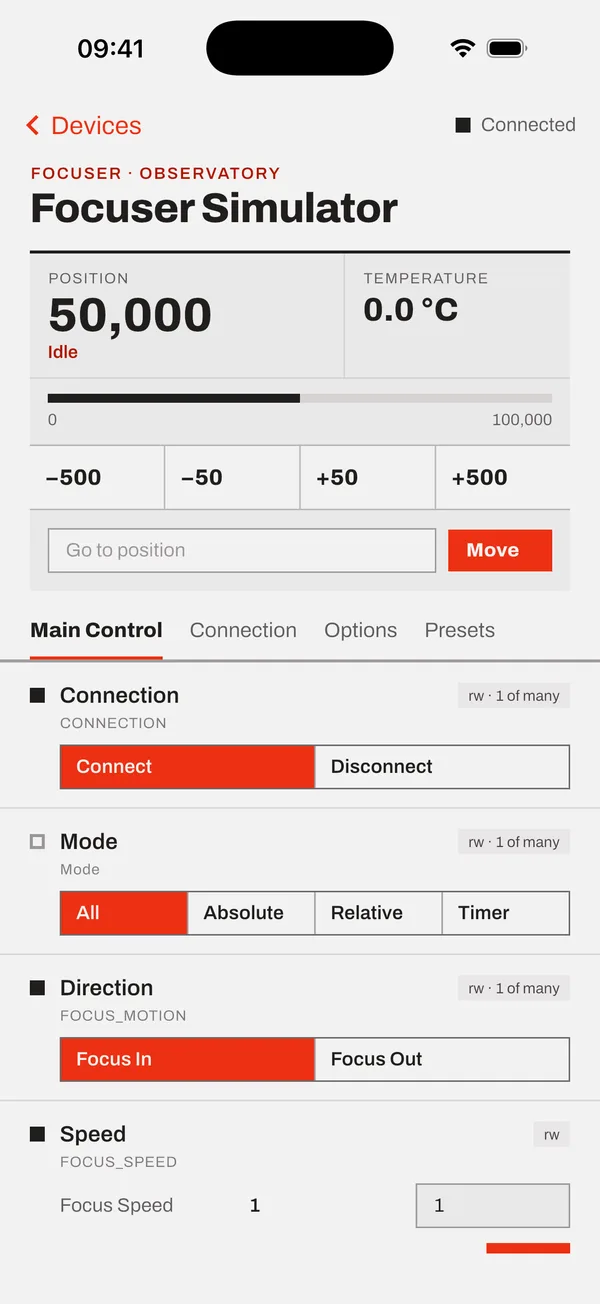
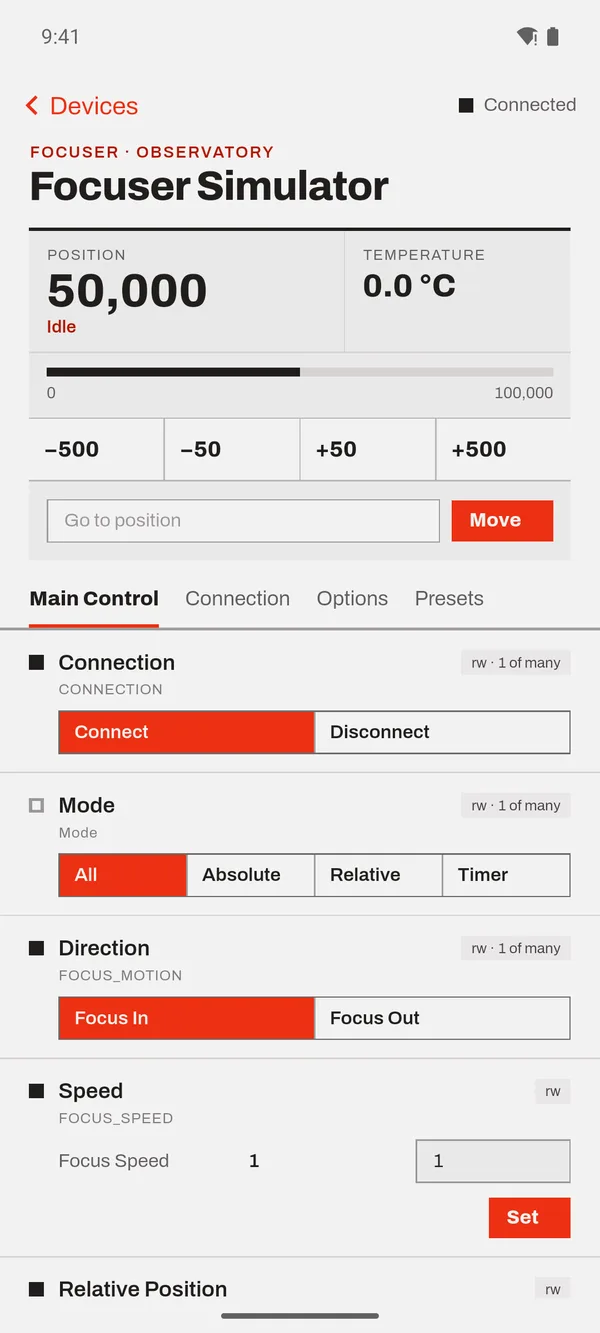
A card made for each device type sits on top. Below it, every INDI property the driver sends, so nothing is out of reach.
Made for each device. Ready for any driver.
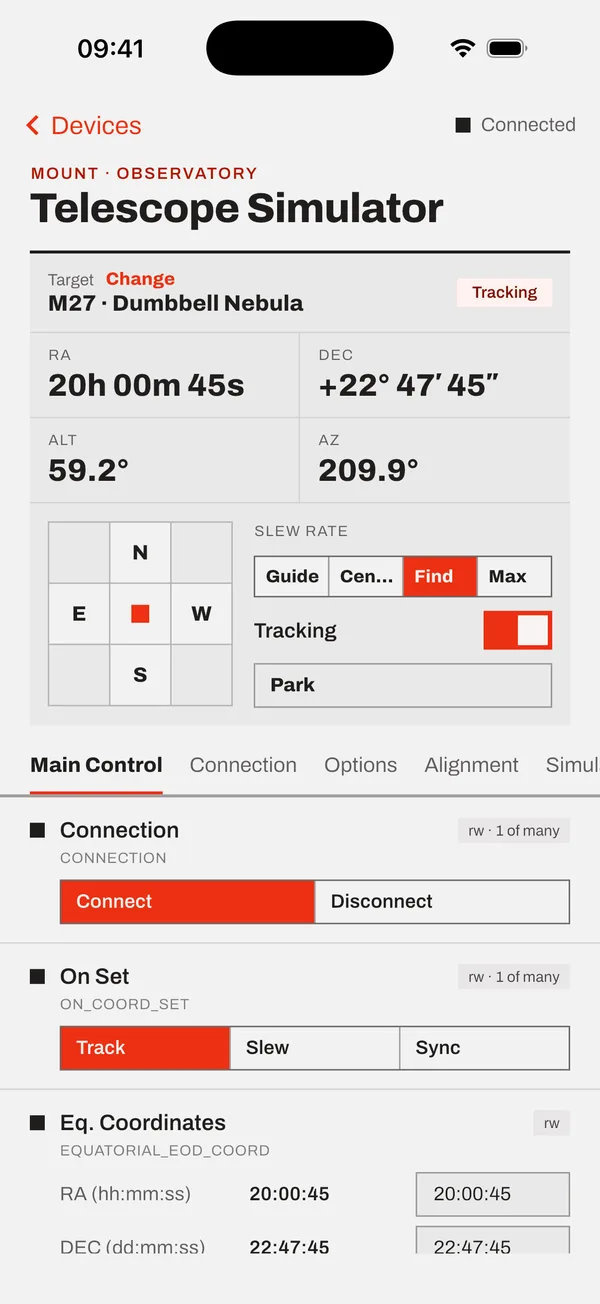
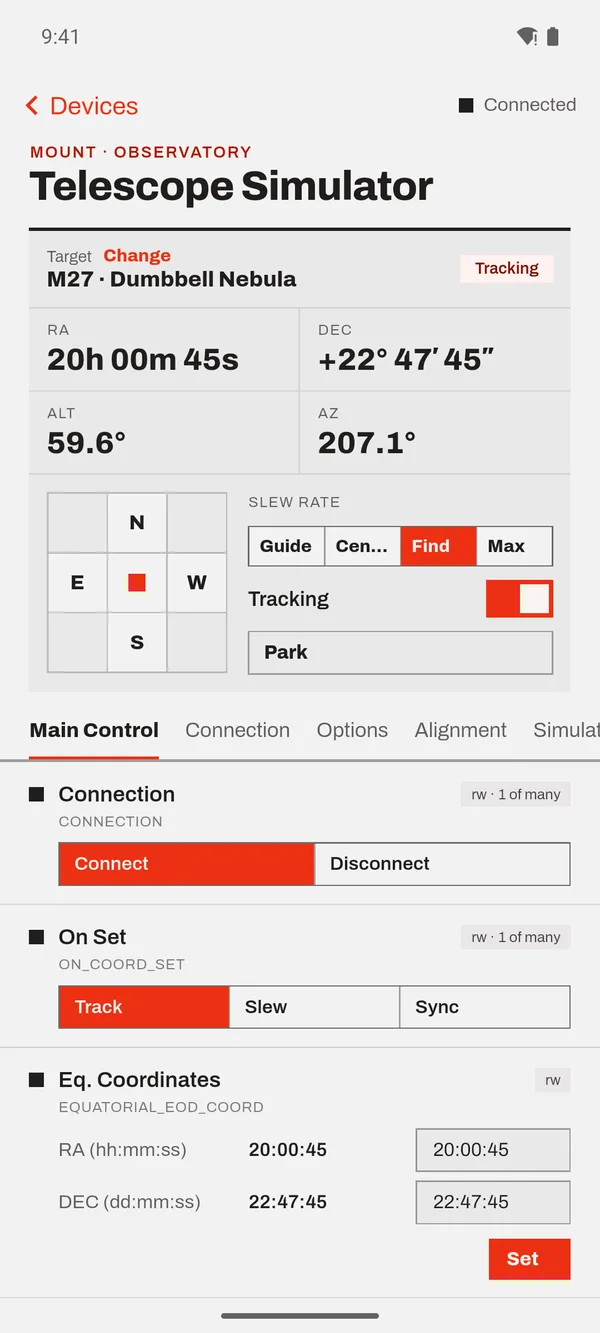
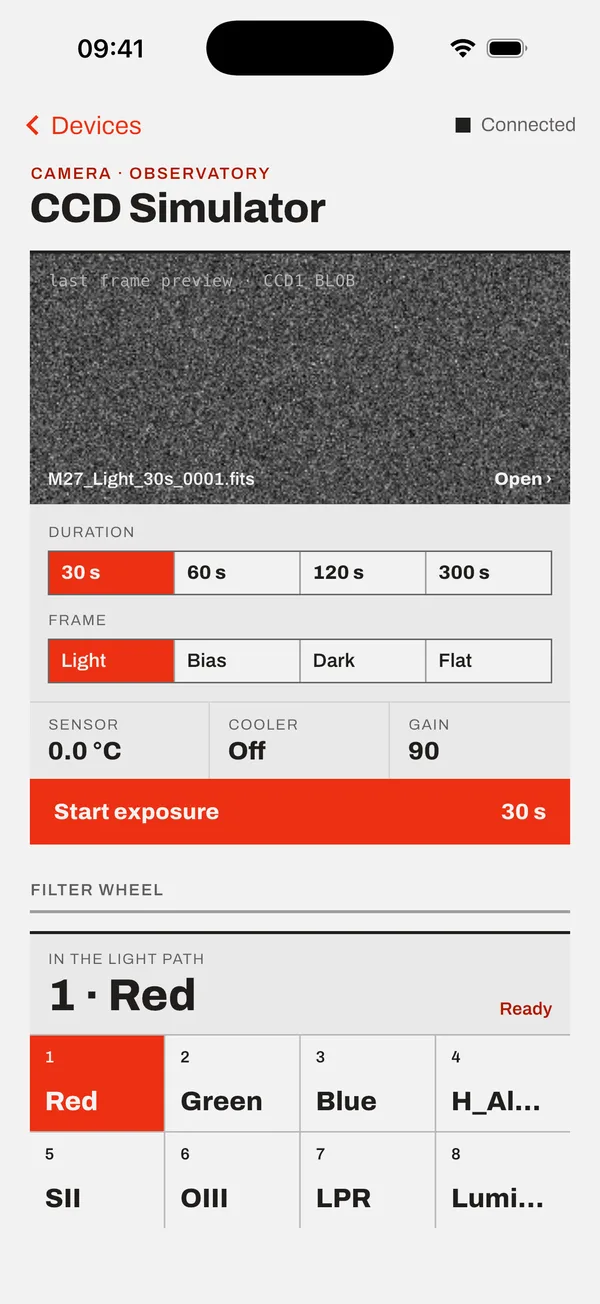
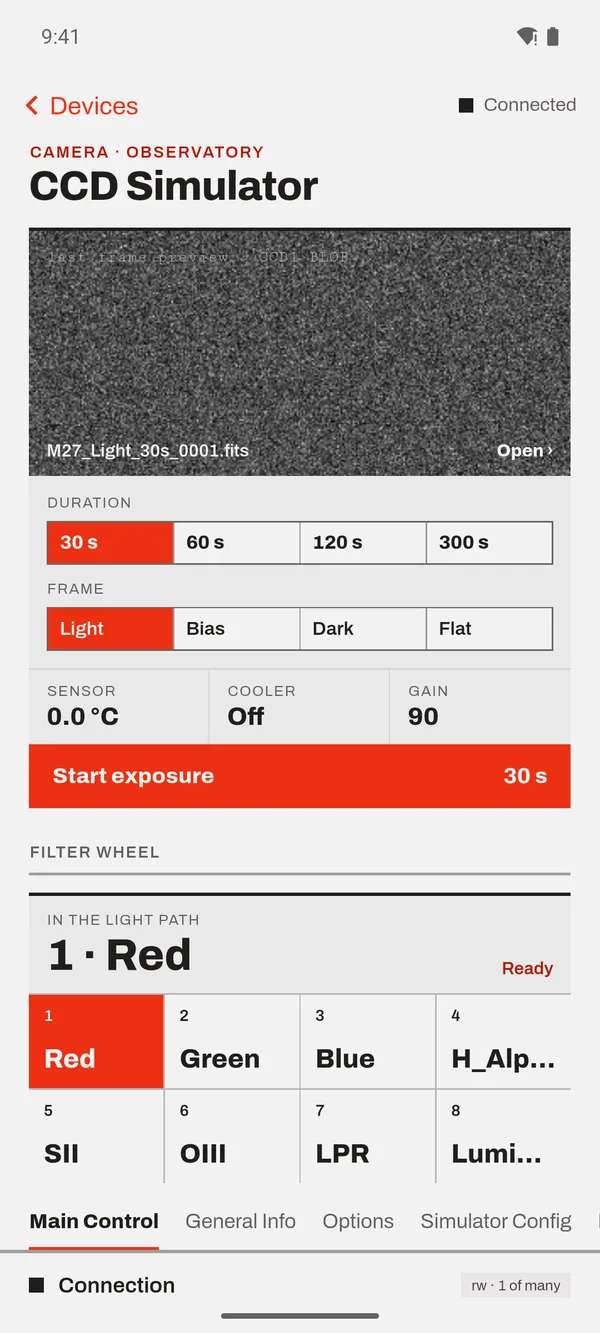
Cupola reads what kind of device each driver is and shows a card built for it. A mount gets coordinates, a slew pad and tracking. A camera gets exposure, frame type and the last image. If a driver isn't recognised, it still gets a full panel generated from its own properties.
- Live valuesUpdated as the driver sends them
- Clear statusIdle, ok, busy or alert: shapes you can read at a glance
- Images in the appFrames arrive with stretch and histogram
- Message logEvery driver message and alert in one place
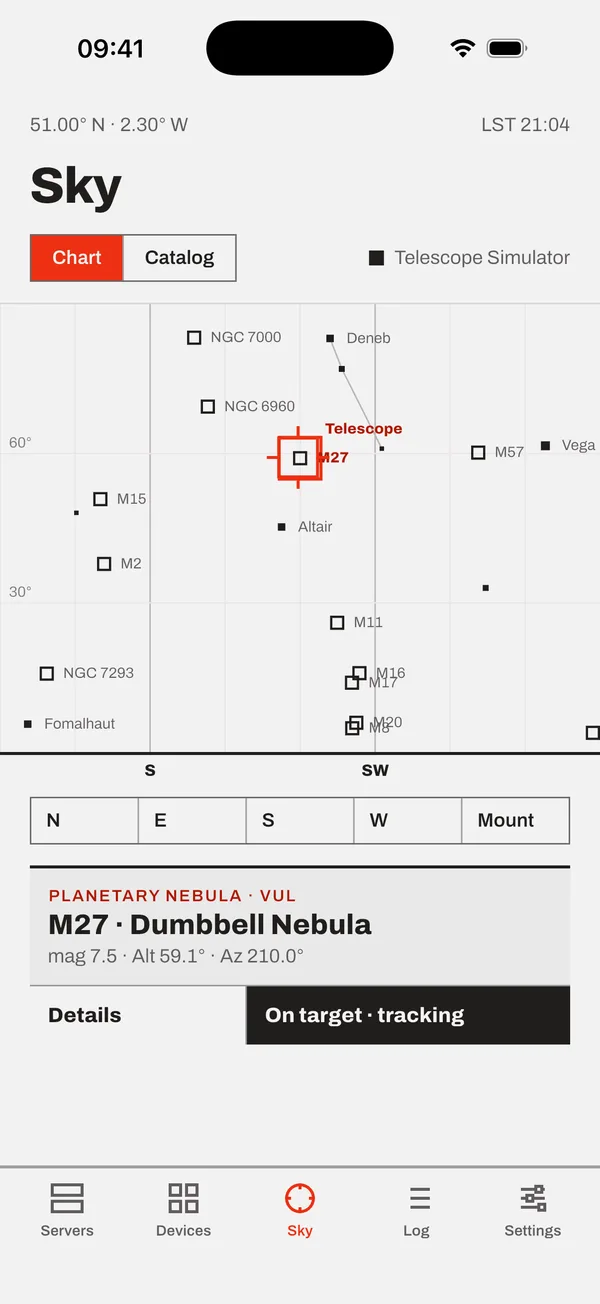
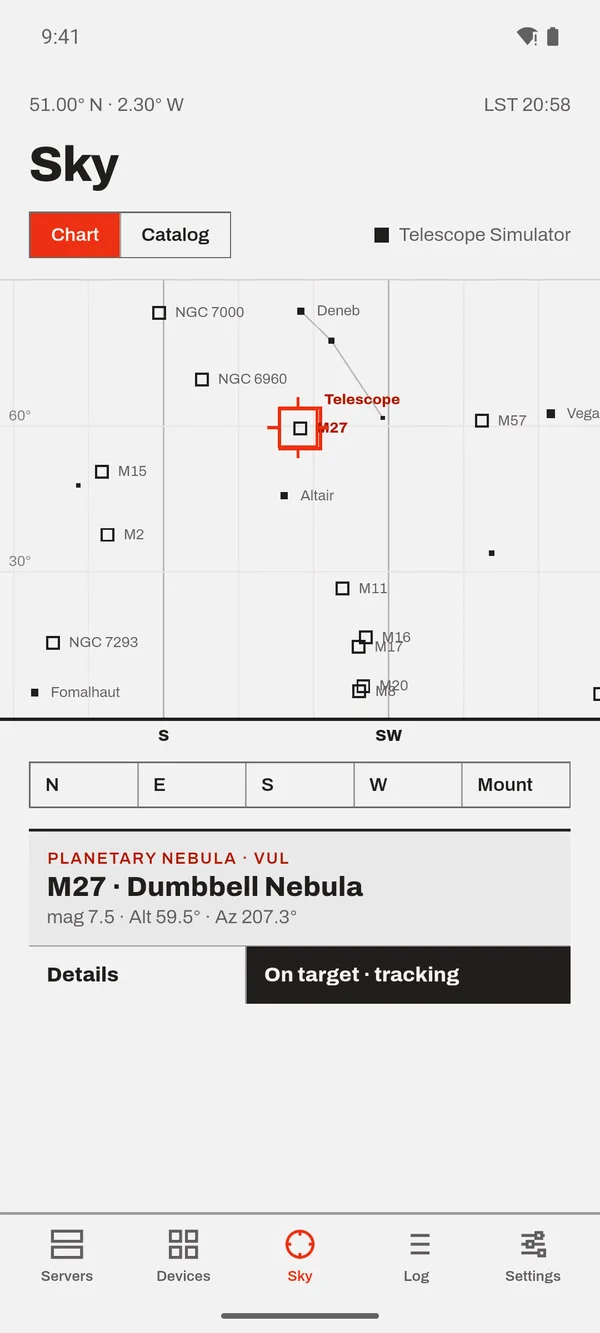
Tap a star. The telescope follows.
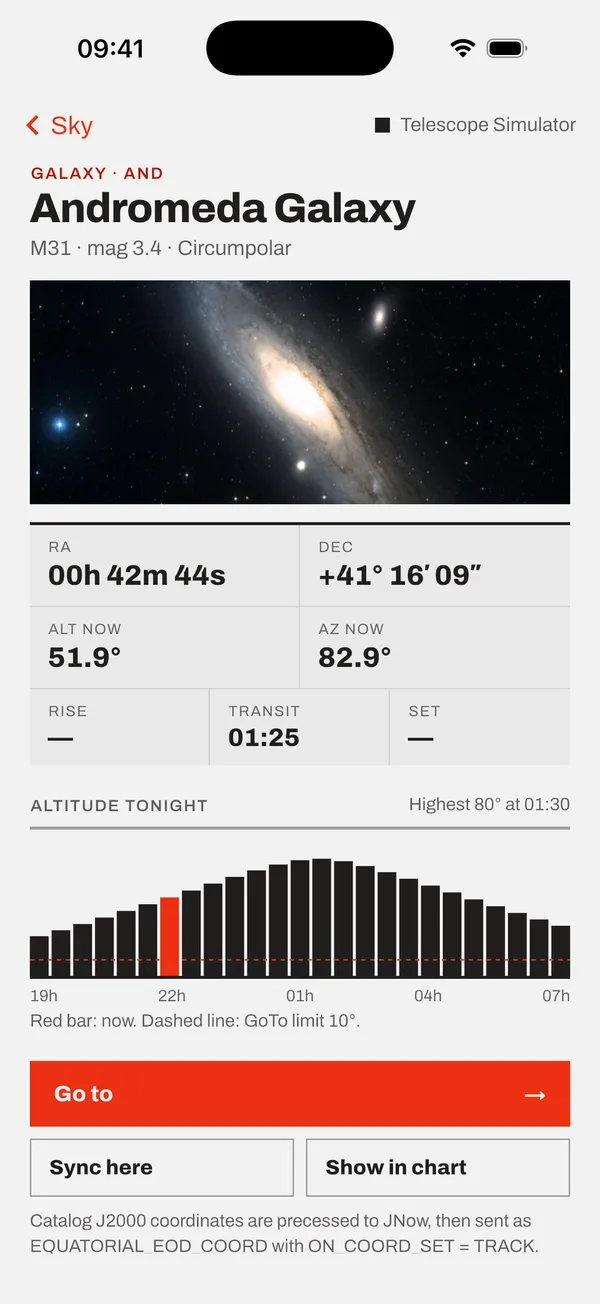
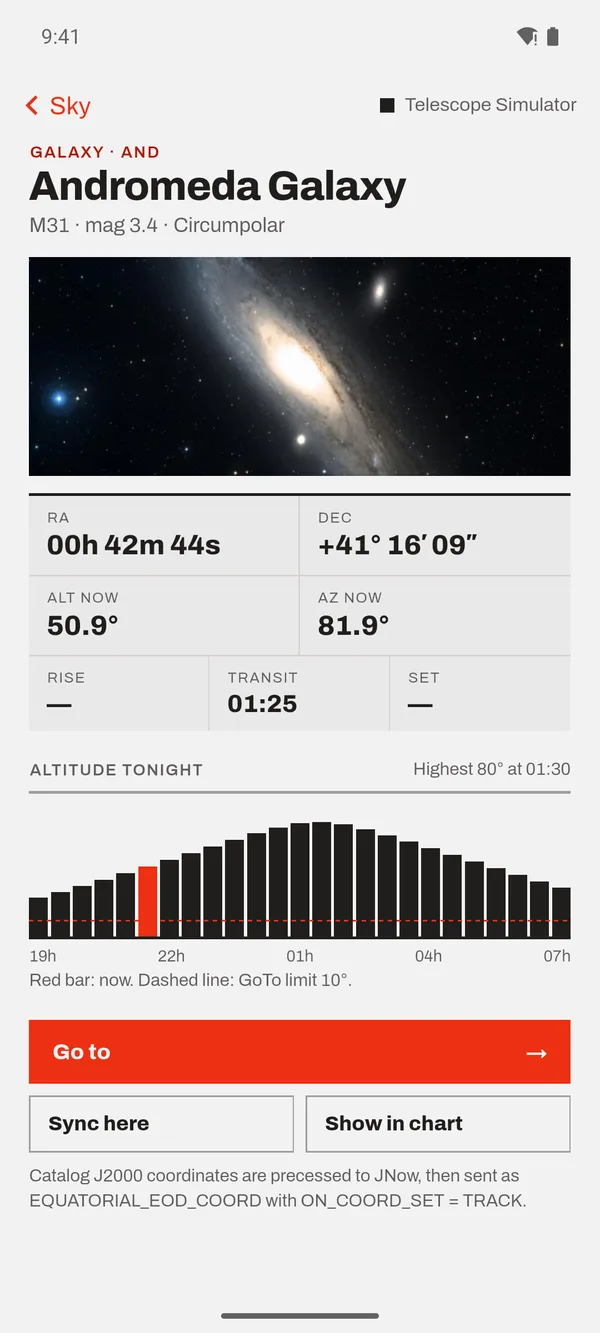
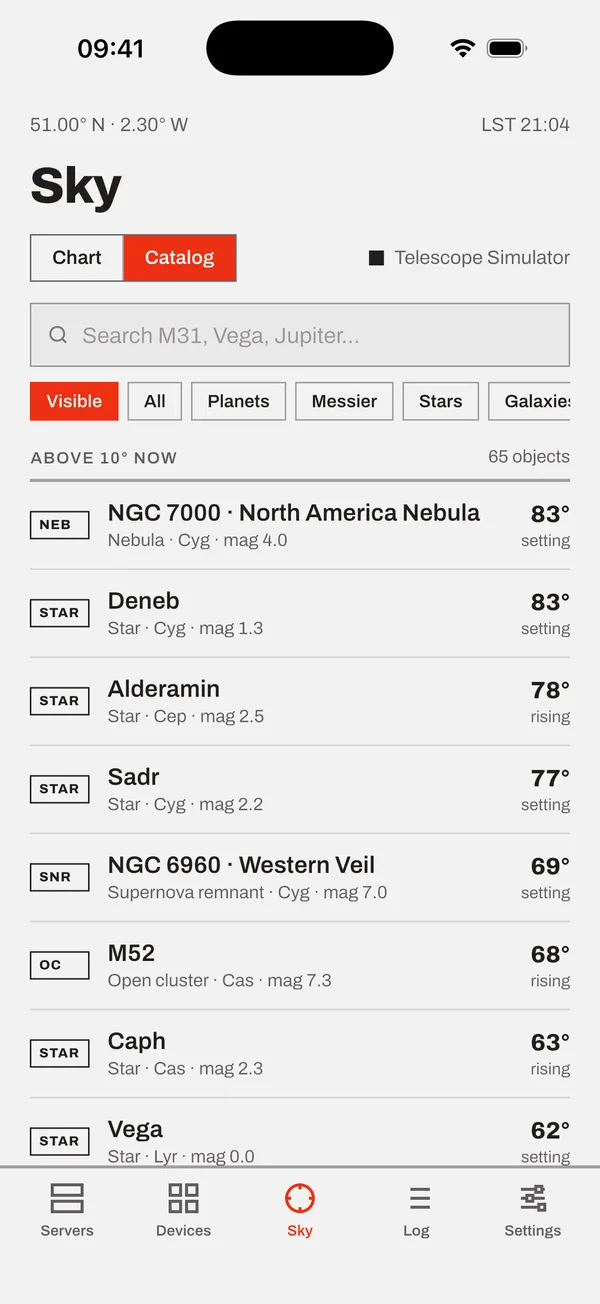
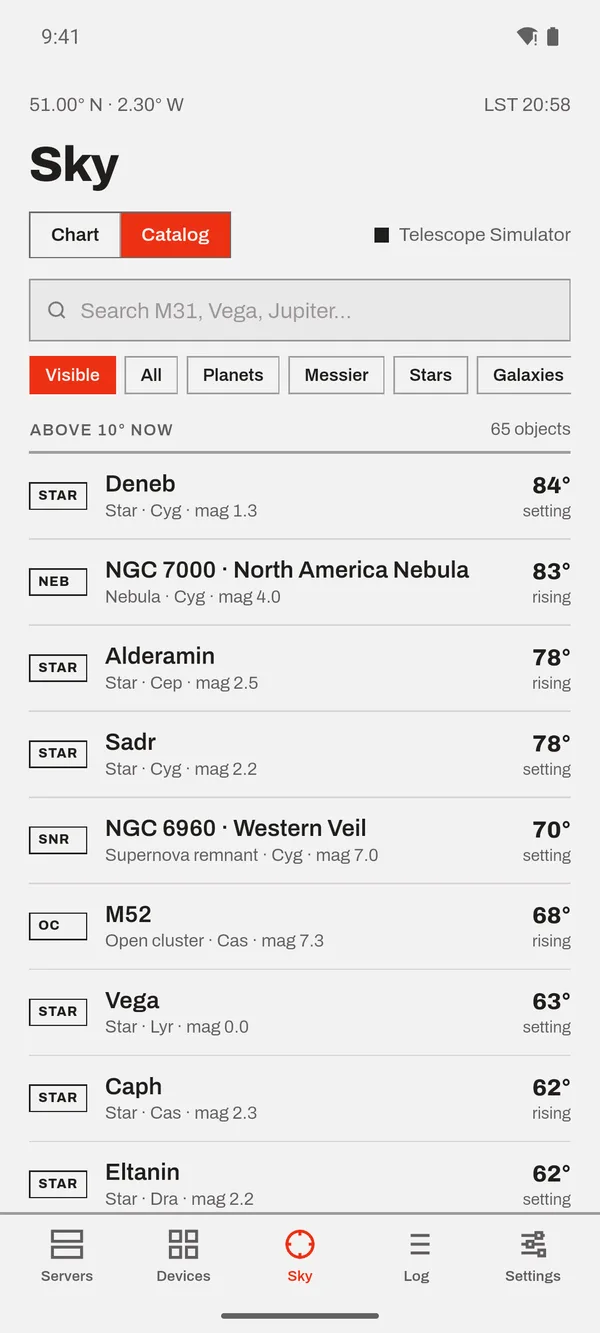
A sky chart and searchable catalog of stars, planets, the Moon and deep-sky objects. Pick a target, see how high it gets tonight, and tap Go to. A red crosshair follows your mount across the chart as it slews.
- Works offline. Positions are calculated on the phone from your mount's location and the clock.
- Rise, transit and set times, plus tonight's altitude for every object
- Won't slew below your altitude limit or while the mount is parked
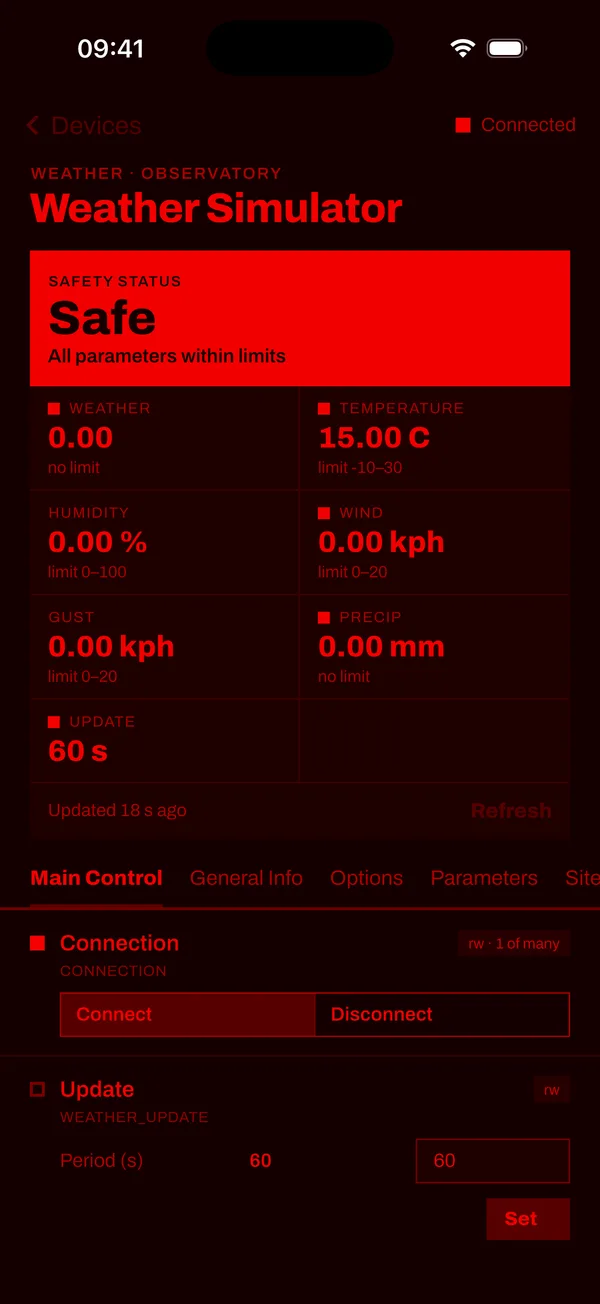
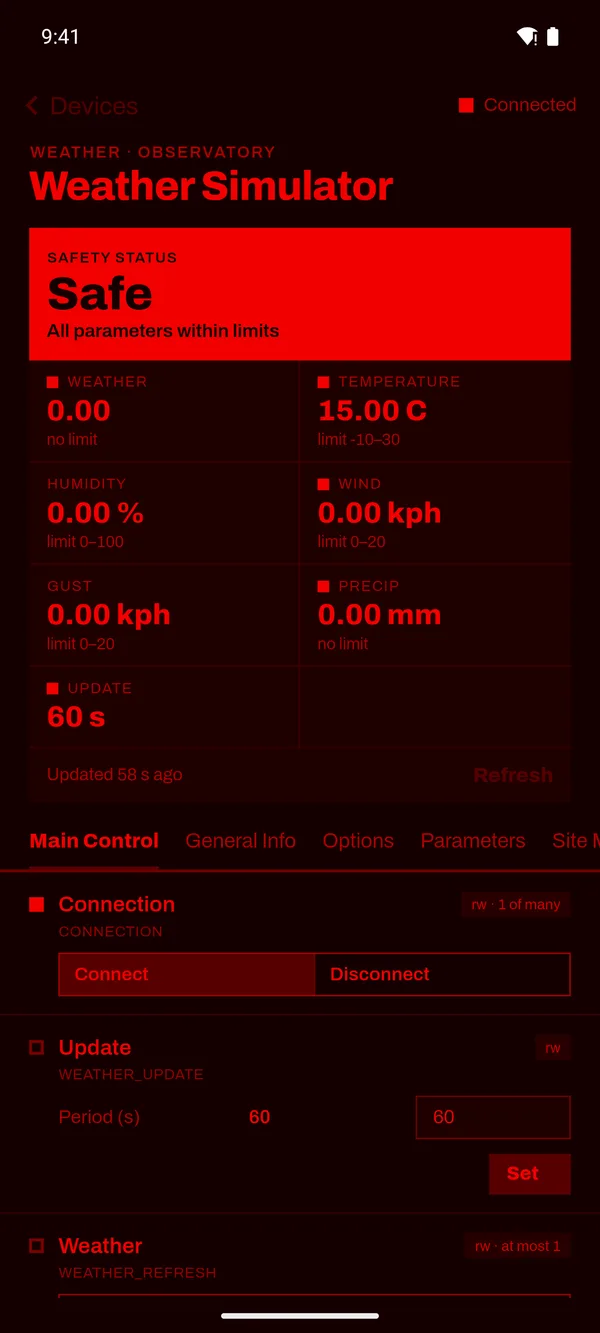
Keeps your eyes adjusted to the dark.
One switch turns the whole app red on black, launch screen included. Big readouts and large touch targets make it easy to use with cold fingers at the eyepiece.
A closer look
- You need
- An INDI server on your network
- Such as
- Raspberry Pi, StellarMate, Astroberry, KStars / Ekos
- Runs on
- iPhone and Android
- Built on
- dindi, the INDI client for Dart